We often receive requests from our readers asking us to prepare a complete guide on how to contact the Lifecell operator when you suddenly have connection problems, need to change your tariff plan, or want to find out about your account balance?
Therefore, in this article, as the editor of the publication “Ukrainian Information”, I have collected all available information on the Internet, on forums and the specialized website Lifecell-Ukraine , in order to prepare a complete guide to the mobile operator Lifecell, where I have collected all available methods and hotline numbers for connecting to the LIFECELL operator.
This article lists the most up-to-date and fastest ways to contact lifecell support in 2026 , which are currently publicly available and 100% working – so you can get help at any time of the day and anywhere (even from abroad).
Read also: Free online IQ test with answers (for ages 16–65)
Call the contact center (Hotline)
The most popular and fastest way to resolve issues from anywhere in the world is a phone call. Lifecell offers several lines for different types of devices:
- Short number 5433 : This is a free number for all lifecell subscribers within Ukraine.
- 0 800 20 5433 : Free number for calls from any Ukrainian fixed-line network numbers.
- Roaming calls : If you are abroad, use the number +38 063 5433 111. The tariffing of such a call is carried out according to the terms of your roaming plan in the country of residence.
Online support and chats
If you do not want to wait in line, which is often the case on the hotline at 5433 and 0 800 20 5433 , or you are abroad, the lifecell operator provides convenient digital communication channels:

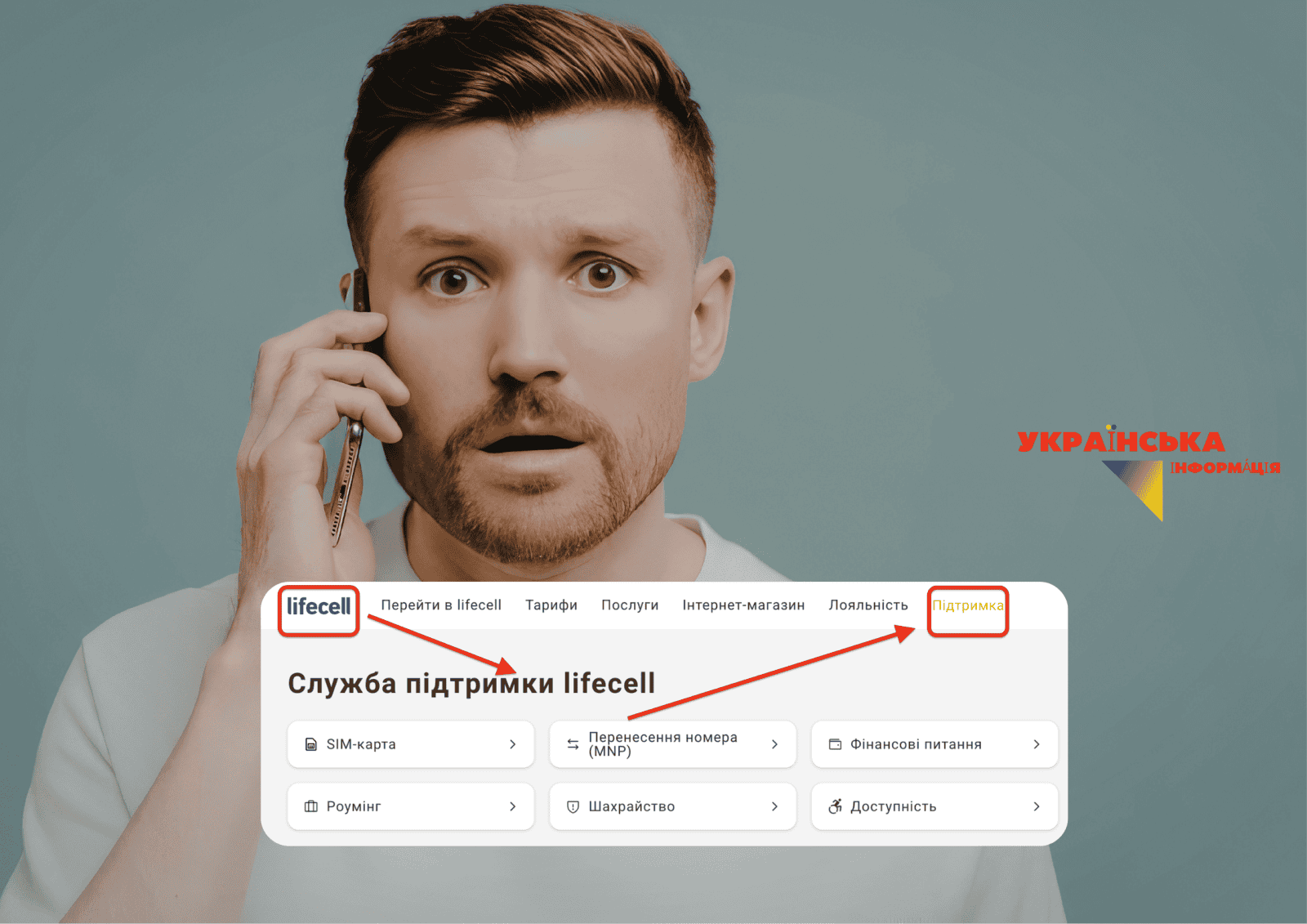
- Virtual assistant on the website : On the official lifecell.ua page, there is a chat button with a virtual assistant on the right, where you can quickly enter a request.
- Messengers : You can ask for help through official bots in Telegram and Facebook Messenger , which are also located on the official page in the “support service” section.
- Personal account and application : Use the web version my.lifecell.ua or the mobile application ” My lifecell “ to independently manage services.
Self-service via a combination of asterisk and grid (USSD and IVR)
Most standard requests from users of any mobile operator can be resolved using automatic systems, so for lifecell in Ukraine, the following work:
- IVR (Voice menu) : An answering machine operates at numbers 5433 and 0800205433, which will help you select the desired category of services using the numbers “0” to “9”.
- USSD requests :
- *111# — check the balance and amount of additional funds.
- *121# — check the balance of package services.
- *117*1# — activate the “Additional Money” service.
Visit to the lifecell store
To resolve complex issues, such as replacing a SIM card with an E-SIM or identifying a passport number, it is better to visit a physical store.
- Number restoration : The cost of a new SIM card is UAH 75, and eSIM is UAH 100. To perform the operation, you must have a passport, driver’s license, or other identification document.
- Number protection : The operator recommends identifying the number using Bank ID or passport data to protect it from theft.
Read also: Top romantic films: 15 masterpieces of love of all time
Tips for quick connection in special situations
- For business clients : Legal entities can have a dedicated manager to promptly resolve issues, which you can see in your personal account by logging in to the application or on the website.
- Roaming problems : If the phone does not connect automatically, select the network manually in the settings:
- Android : Settings – Mobile network – Carrier.
- iOS : Settings – Cellular Data – Network Selection.
Conclusion : The fastest way to contact a “live” operator is to call 5433 or use the online chat in messengers. The My lifecell application is best for self-control of expenses .
Want to receive more news on this topic? Subscribe to our Viber by simply clicking on this text!